The 6 best WooCommerce fraud prevention plugins
Six WooCommerce fraud prevention plugins compared on features, pricing and fit: Sensfrx, FraudLabs Pro, Signifyd, WooCommerce Anti-Fraud, Bolt and YITH.
 By 6 mins readPublished Updated
On this page
A wave of chargebacks on a few hundred orders paid with stolen cards can wipe out a WooCommerce store's margin for the quarter. The goods have shipped, the payments get reversed, and the merchant is left selling off stock to cover the gap.
It happens to stores of every size, and the methods change faster than most owners can track.
Six anti-fraud plugins integrate with WooCommerce with little setup. Here is how they compare.
For the background on fraud orders and fake registrations in WooCommerce, see this guide.
Why WooCommerce stores are hard to secure
WooCommerce powers over 28% of online stores. That share, plus WordPress's open plugin ecosystem, puts it on every attacker's target list.
The flexibility is the weakness. Every store runs a different stack of plugins, and outdated plugins, weak admin passwords and missing encryption each open a door.
WooCommerce ships without fraud screening, so the store owner has to add it. Compliance adds to the load, and most WooCommerce merchants do not have an enterprise security budget to meet it.
WooCommerce publishes hardening recommendations, and they are worth following.
They are not enough on their own. New attack methods appear constantly, so fraud prevention has to be a standing part of running the store.
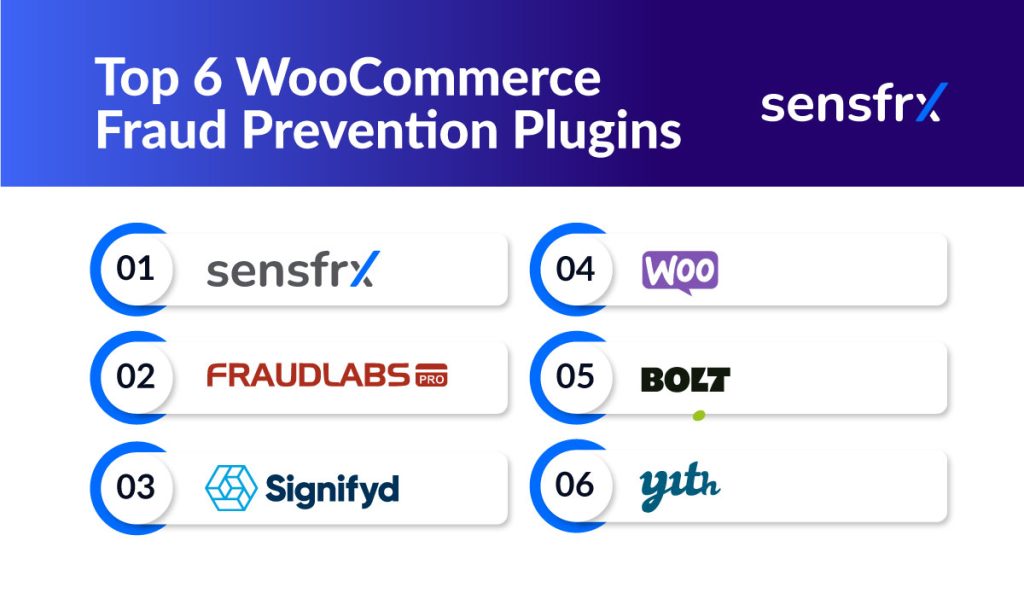
Six WooCommerce fraud prevention plugins
1. Sensfrx
[Sensfrx](/) is a real-time fraud prevention platform with a WooCommerce plugin. It scores every signup, login and payment from device, network and behavior signals, and your rules decide whether each one is allowed, held for review or blocked.
What Sensfrx does
- Real-time scoring: every signup, login and payment is scored as it happens, from device fingerprint, network and behavior signals.
- Your rules: thresholds match your risk tolerance, so the same score can mean allow in one store and review in another.
- Automated decisions: anything your rules mark for review is held for a human; everything else is decided without one.
- Fraud types covered: fake signups and new account fraud, account takeover, and payment fraud on stolen cards.
- Setup: a WooCommerce plugin, plus REST APIs and plugins for Shopify, WHMCS, Blesta and WISECP if you run more than one platform.
Sensfrx pricing
There is a free plan and a 14-day trial. The three plans:
| Plan | Price |
| Get Started | Free |
| Business+ | $189/Month billed annually |
| Enterprise Grid | Available on request |
2. FraudLabs Pro
FraudLabs Pro is a WooCommerce plugin that scores payment fraud risk in real time from thousands of data points, including geolocation and transaction velocity.
Validation rules are customizable, and it works across payment methods including credit card, PayPal and Stripe.
FraudLabs Pro features
- Fraud analysis and scoring from geolocation, IP validation and transaction velocity.
- Real-time blacklist checks against a global merchant network.
- Custom validation rules per store.
- Device, email and credit card validation.
FraudLabs Pro pricing
Free for up to 500 order validations a month, or for businesses with annual sales under $25,000. Above that, pricing follows usage across six tiers:
| Plan | Price |
| Free | 0 |
| Mini | $29.95 |
| Small | $99.95/month |
| Medium | $249.95 |
| Large | $499.95 |
| Enterprise | $1249.95 |
FraudLabs Pro pros and cons
Pros:
- No upfront cost for small stores.
- Quick setup and a clear interface.
- Broad fraud checks for the price.
Cons:
- The free tier is limited.
- Costs climb for larger stores that need many validations.
- The tiers are too finely sliced.
3. Signifyd
Signifyd's WooCommerce plugin covers fraud and abuse from checkout through to return requests, with machine learning scoring each transaction in real time.
Signifyd features
- Transaction scoring, identity analytics and reporting.
- Financial protection against fraudulent chargebacks.
- Automated approve or decline decisions based on risk.
- Reporting on fraud trends and customer behavior.
Signifyd pricing
Signifyd prices as a percentage of gross merchandise value (GMV).
Signifyd pros and cons
Pros:
- Built around cutting chargebacks.
- Real-time decisions keep checkout fast.
- Strong reporting.
Cons:
- Costs climb fast for high-volume merchants.
- Some users report that support could be better.
4. WooCommerce anti-fraud
Sold through the official WooCommerce marketplace, this plugin does real-time risk scoring on orders, with analytics on buyer behavior.
WooCommerce anti-fraud features
WooCommerce Anti-Fraud focuses on real-time data enrichment and risk scoring:
- Block by country and IP.
- Address verification against the billing address and customer history.
- Instant alerts when an order looks suspicious.
- Pre-configured rules, plus custom validation rules.
WooCommerce anti-fraud pricing
$10.75 a month, billed annually.
WooCommerce anti-fraud pros and cons
Pros:
- Useful analytics on buyer behavior.
- Cheap.
Cons:
- Limited feature set.
- Medium and large stores will outgrow it.
5. Bolt checkout
Bolt Checkout is a one-click checkout with fraud scoring built in. Risk is assessed in real time as the customer pays.
Bolt also offers chargeback protection, with a financial guarantee on fraudulent orders, on a subscription model. It suits merchants who want fraud control without adding friction at checkout.
Bolt checkout features
- One-click checkout with security checks kept in place.
- Machine learning fraud detection in real time.
- Chargeback protection with a financial guarantee.
Bolt checkout pricing
Subscription pricing that varies by service level. Exact prices are not published; you get them on request.
Bolt checkout pros and cons
Pros:
- Faster checkout for customers.
- Fraud detection sits inside the checkout flow.
Cons:
- Subscription cost is high for smaller merchants.
- Integration can take extra work.
6. YITH anti-fraud
YITH WooCommerce Anti-Fraud gives instant approve or decline decisions from a risk assessment, which keeps checkout friction low and cart abandonment down. It includes chargeback protection for losses from fraudulent transactions.
YITH anti-fraud features
YITH is built to cut checkout friction while keeping fraud protection in place. Its features:
- Block suspicious email addresses.
- Flag sudden runs of orders from the same IP location.
- Reporting tools for analyzing transaction data.
YITH pricing
$79.99 a year.
YITH pros and cons
Pros:
- Fast approvals cut cart abandonment.
- Focused on billing and order fraud.
Cons:
- Integration may need technical help.
- Limited feature set.
Choosing the right plugin for your store
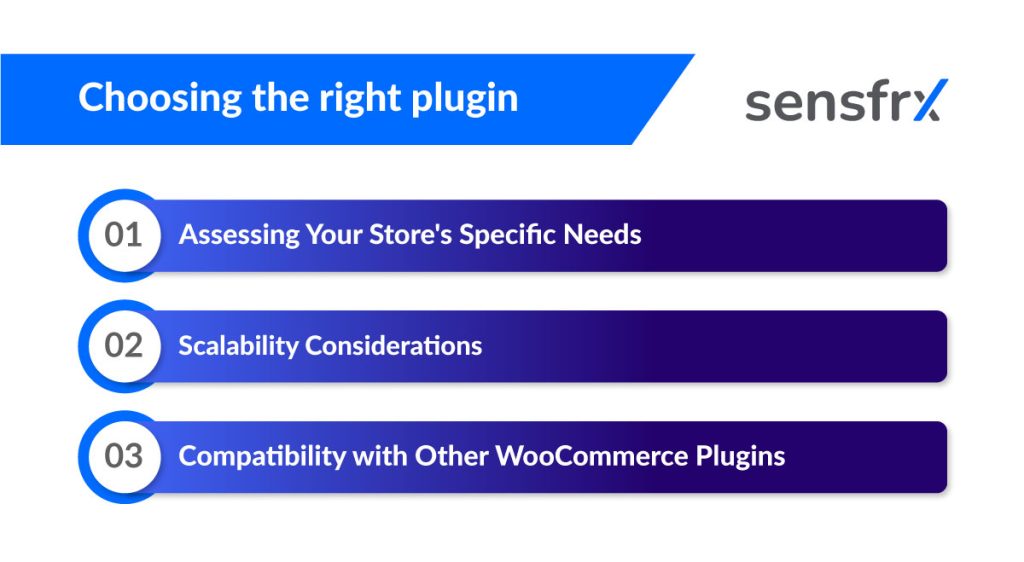
Three questions settle most choices.
A. What your store needs
Look at transaction volume, typical order value, customer demographics and the security you already run. A high-volume, low-ticket store and a low-volume, high-ticket store need different tools.
B. Whether it scales
Volume grows with the business. Pick a plugin whose pricing and setup still make sense at ten times today's orders.
C. Compatibility with your other plugins
Check the fraud plugin against the rest of your stack before going live. A conflict with a payment gateway or checkout plugin breaks the store, not just the fraud check.
Setting up a WooCommerce anti-fraud plugin
A. Installation and configuration
Before installing:
- Back up the site.
- Test the plugin on a staging copy before it touches production.
- Work through every setting; the defaults are not tuned to your store.
B. Testing and monitoring
Test the setup by placing orders that look like fraud and checking what happens. Then watch the plugin's dashboard and adjust rules as real traffic comes in.
C. Fraud trends and plugin updates
Follow ecommerce fraud trends and keep the plugin updated so new attack methods are covered.
Which one to pick
Small stores on a tight budget start with WooCommerce Anti-Fraud, YITH or FraudLabs Pro's free tier. Merchants who want a chargeback guarantee look at Signifyd or Bolt. Stores that want every signup, login and payment scored, with rules they control, use Sensfrx.
Start a free trial of Sensfrx and run it against your own orders.