Join us for a live Fireside chat on How Frauds Are Shaping Customer Loyalty in 2026

Stop fraud on your WHMCS website

Battle fraud and build a thriving ecommerce business with our WHMCS extension

GET STARTED FOR $29

$108 USD Billed Annually

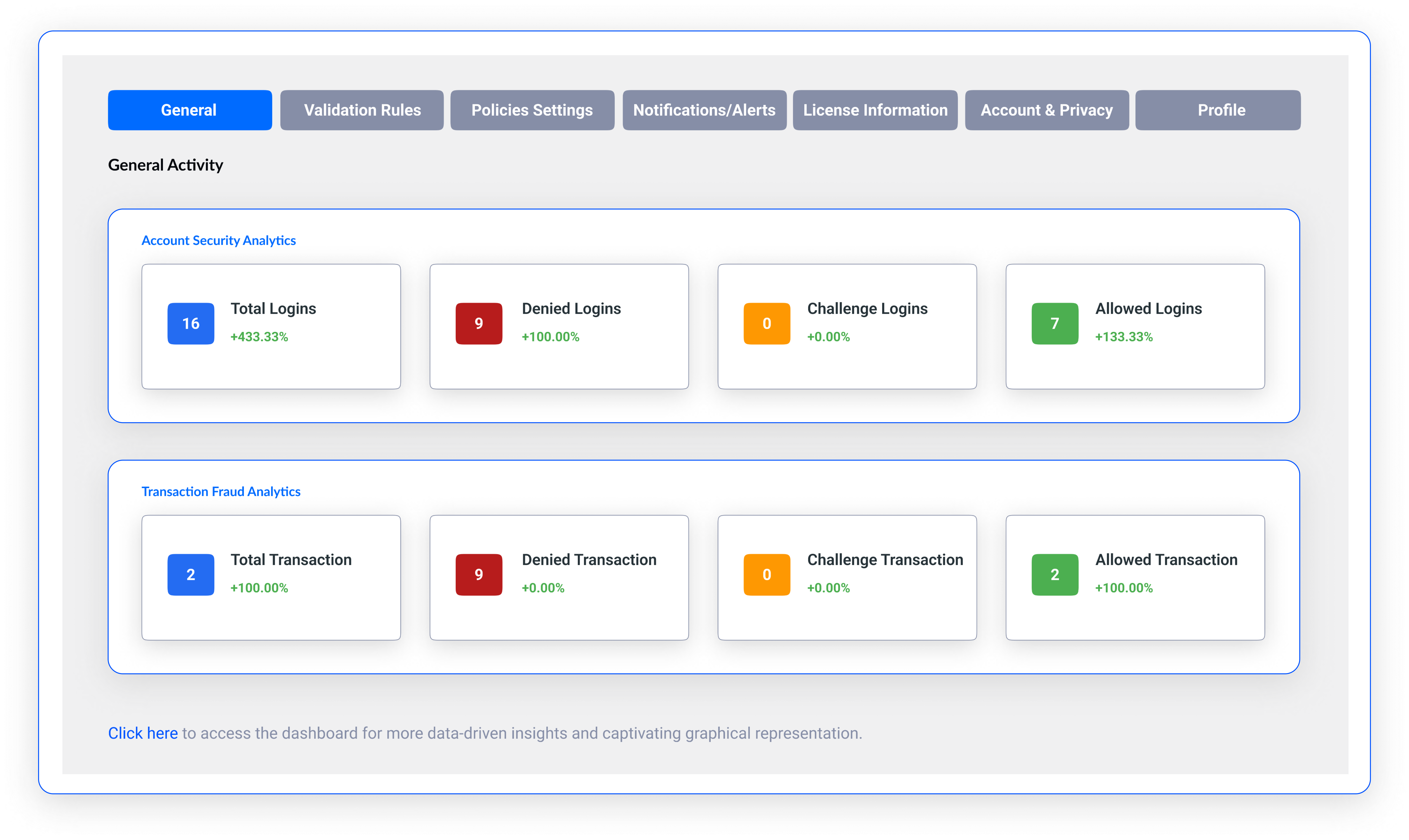
Your control tower to fight mobile app fraud

End to end fraud detection and prevention

Detect suspicious activity without hampering
user journeys

Sensfrx is designed to detect any fraudulent activity across your mobile app while ensuring a frictionless experience for legitimate users.

Sign Ups

Monitor account creation and get notified of any irregular sign ups

Logins

Detect fishy logins and take preventive action immediately

Transactions

Monitor payment gateways and shut down fraudulent transactions in real time
Build your bespoke fraud handling strategy

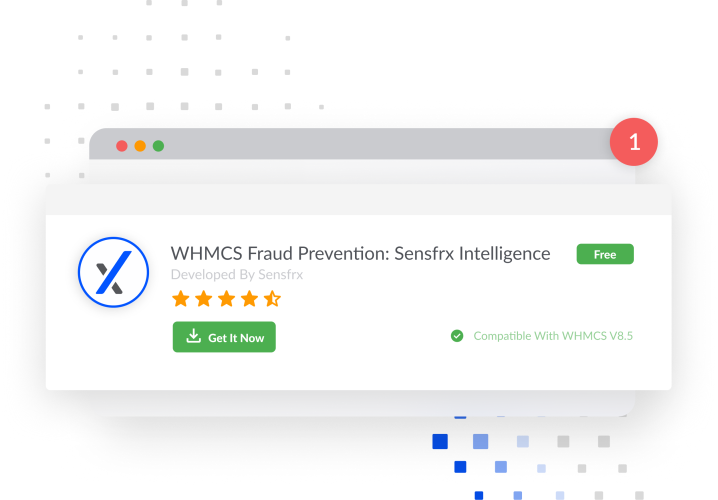
Download the Sensfrx plug in

Hit the download button and sign in to Sensfrx to connect with your WHMCS site in a few clicks.

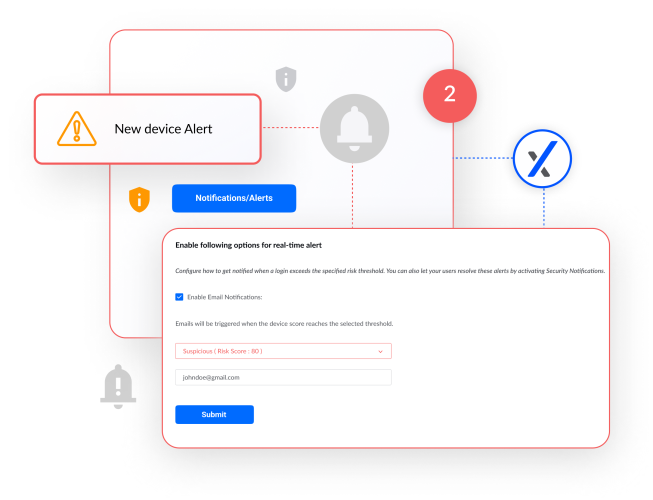
Setup alert categories

Create priority fraud categories based on signals detected and risk scores assigned.
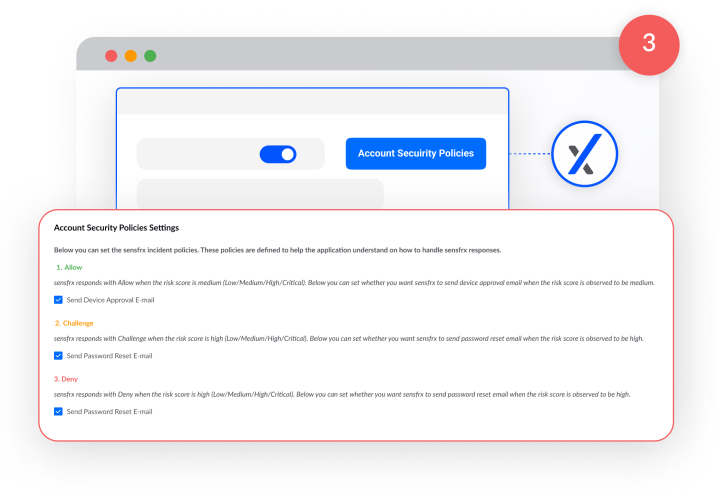
Define intervention policies

Choose what actions need to be taken for each fraud category and automate fraud prevention.

Automate monitoring

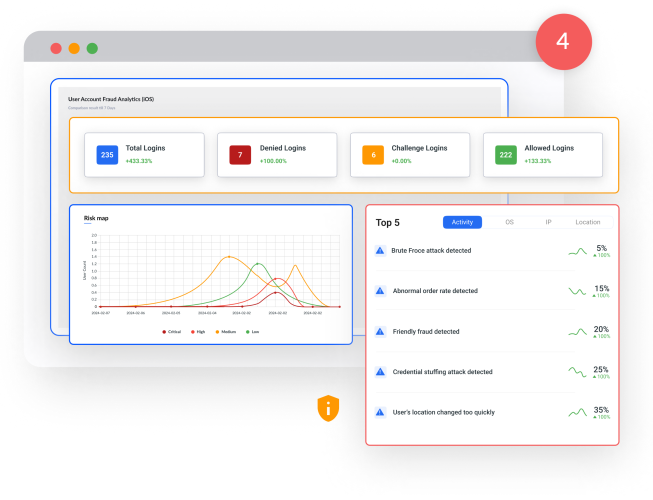
Sit back and relax as Sensfrx monitors all activity in your store, assigning risk scores and intervening basis the defined policy.
Take action

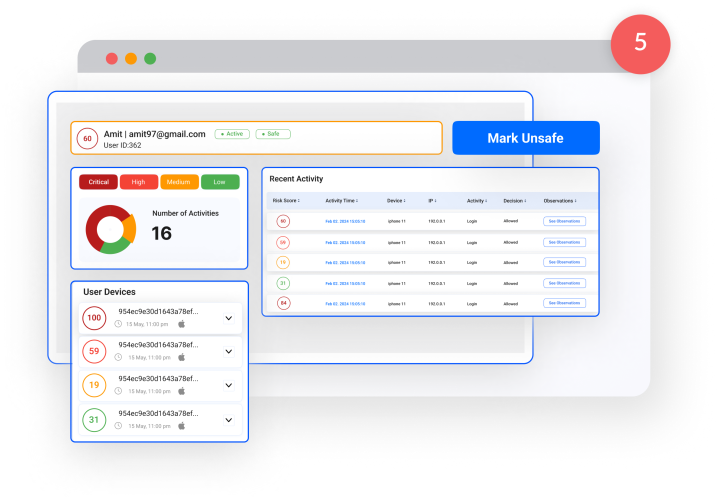
Get notified of any activity that requires your direct attention. Review the activity and take the appropriate action in seconds.

Stop fraud in its tracks.

Advanced systems that detect and stop fraud early

GET STARTED FOR $29

$108 USD Billed Annually

Frequently Asked Questions

Here are a few things you might be wondering about.


TRY FOR FREE

Yes, our fraud plugin is crafted to seamlessly integrate with all versions of WHMCS. You can confidently enhance your store's resilience against fraudulent activities, ensuring robust prevention regardless of the WHMCS version you are using.

Before integrating the Sensfrx extension with WHMCS, users are required to sign up on Sensfrx and set up an account. From there, you will obtain a unique property ID and secret key, which is necessary for the plugin integration process. To sign up and create an account, please visit https://client.sensfrx.ai/signup

Follow these steps to install Sensfrx WHMCS Extension:
  1. Click on the "Get it" button and download the zip file.
  2. Unzip the downloaded file.
  3. Move the unzipped folder to your server, specifically to the directory.
  4. Make sure the folder is correctly placed in the "addons" directory.
  5. Access your WHMCS dashboard and navigate to the modules list.
  6. You should see the Sens plugin listed there.

After installing the plugin, you may need to configure certain settings to align with your business needs and preferences. This typically involves adjusting risk scores, policy settings, and configuring alert preferences within the plugin's interface.

Protect Your Customers and Your Bottom Line

Get the protection you need. No credit card required.

sensfrx logo