Phishing attacks: How they work and how to prevent them
How phishing works, the eight forms it takes, the red flags in a phishing email, and the technical, training and policy controls that stop it.
 By 7 mins readPublished Updated
On this page
Phishing is a message, usually an email or a text, built to make the reader hand over a login, a card number or other confidential data, or to install malware. It is the cheapest way to get a working credential, and the numbers show how often it works.
The Anti-Phishing Working Group (APWG) counted 1.3 million unique phishing sites in the last quarter of 2022, a record at the time. The Verizon 2023 Data Breach Investigations Report (DBIR) found phishing implicated in 36% of all data breaches.
IBM's Cost of a Data Breach Report names compromised credentials as the leading cause of data breaches, at 19%.
Nobody is exempt by skill or by role.
A Symantec study attributed 65% of cyber attacks to spear phishing, the targeted kind. VentureBeat put the count for 2022 at around 255 million phishing attacks, 61% more than in 2021.
The cost is real money. IBM puts the average cost of a data breach above $4 million and quotes an average cost per phishing attack of $136.
How phishing attacks work
Phishing is social engineering. The message appears to come from a bank, a supplier, a colleague or a service the reader uses.
It carries urgency or a threat ("your account will be closed", "your parcel is held") so the reader acts before checking the sender. The link goes to a fake site; the attachment carries malware.
The reader types a password, a card number or a social security number into the fake site, and the attacker uses it to log in, steal data or move money.
If malware is installed instead, the attacker gets remote access to the device and whatever it can reach.
Inside a company that first foothold is used to pivot: more accounts, more systems, more data, until the whole environment is compromised.
There are two scales. Bulk phishing sends one message to millions of inboxes. Spear phishing writes one message for one person or one team.
Both work on human error rather than software flaws, so they walk past technical controls tuned for exploits.
The counter is also human: train staff to recognise the signs and report anything doubtful to the security team.
Then back them with email filtering and anti-virus that remove the obvious messages and attachments before anyone sees them.
Types of phishing attacks
Eight forms, split by channel and by target:
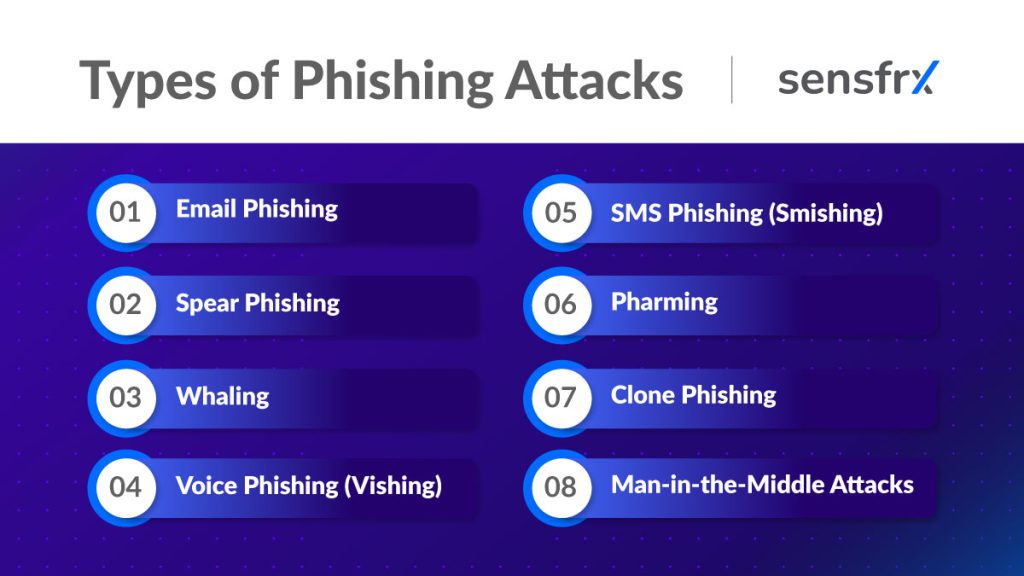
Email phishing
The classic. A fraudulent email from a "bank", "company" or "trusted individual" with a link or attachment that steals credentials or installs malware.
Spear phishing
Aimed at one person or group in an organisation. The attacker researches the target first, so the message names real projects, colleagues or suppliers and reads as genuine.
Whaling
Spear phishing aimed at executives: the CEO, the CFO, anyone whose approval moves money or whose mailbox holds the most sensitive data.
Voice phishing (vishing)
The same con by phone. The caller claims to be the bank or another trusted organisation and talks the victim into reading out a code, a password or card details.
SMS phishing (smishing)
A text message with a link: a missed delivery, a fine, a frozen account. The link steals personal information or installs malware on the phone.
Pharming
The user types the right address and still lands on the attacker's site, through DNS hijacking or malware on the device. No link needs to be clicked.
Clone phishing
A copy of a real email or website the victim already trusts, with the link or attachment swapped for a malicious one. Because the original was genuine, the copy is hard to doubt.
Man-in-the-middle attacks
The attacker sits between the user and the service and reads what passes between them, login credentials included, in transit.
What phishing costs
The damage goes well beyond the first stolen password.
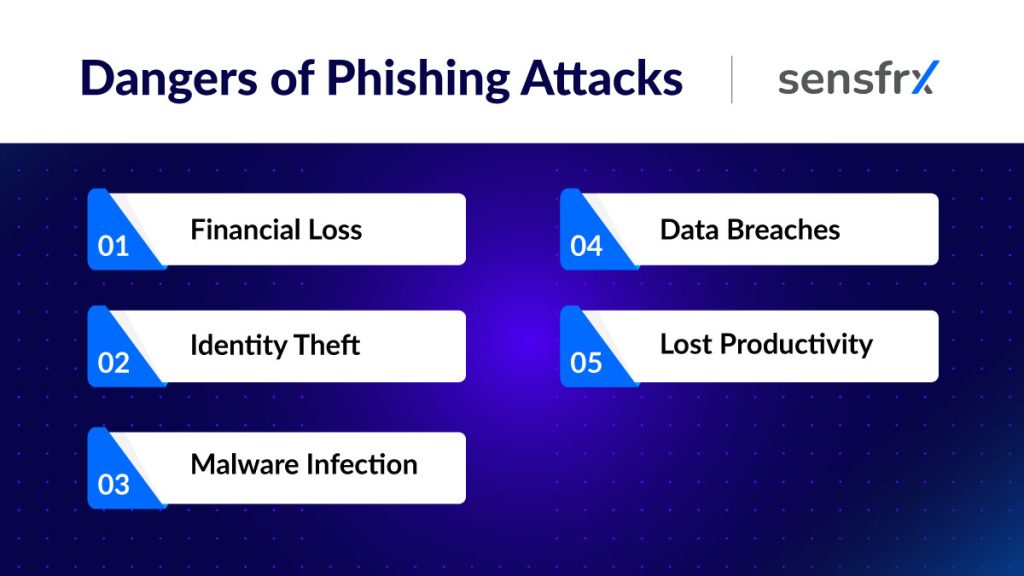
Financial loss
With card details or bank credentials in hand, the attacker buys, withdraws and transfers until the account is frozen, and the victim is left to dispute each item.
Identity theft
Personal data from a phish is enough to open new accounts, apply for loans or cards, or file a tax return in the victim's name. Unwinding that is slow and hard.
Malware infection
Many phishing messages exist to deliver viruses, spyware or ransomware. Once on the device the malware steals data, watches activity or encrypts files until a ransom is paid, and each of those can start a further breach.
Data breaches
For a business, one successful phish can expose customer data, financial records and intellectual property. The bill arrives as recovery costs, legal liability and lost trust.
Lost productivity
The clean-up takes time: hours or days spent reversing transactions, recovering identities and rebuilding systems. Deadlines slip and work stops while it happens.
Red flags in a phishing email
Phishing emails are built to look routine, but most carry at least one of these signs.
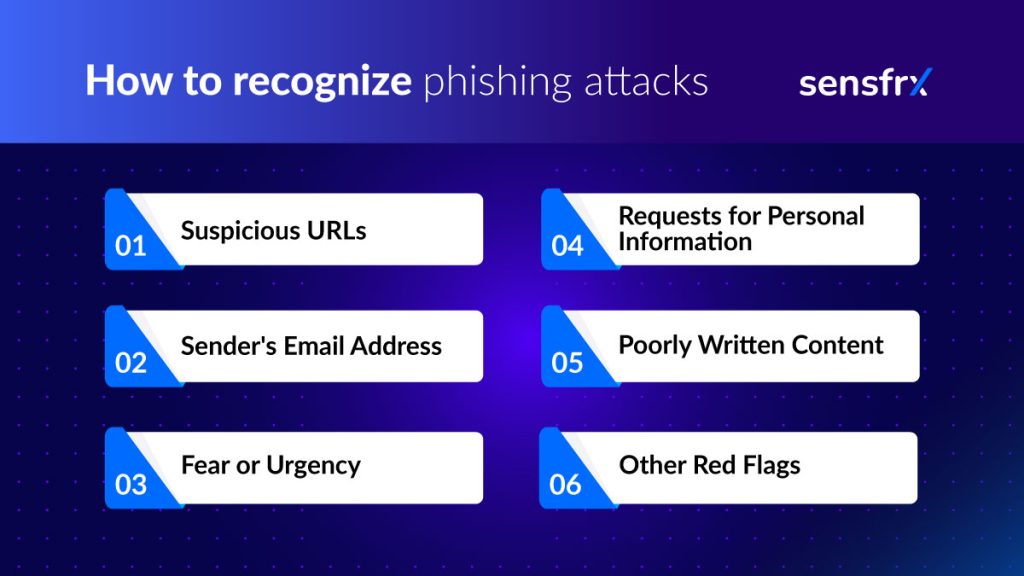
Suspicious URLs
- The link's domain does not match the sender's. A message from your bank whose link goes to a domain that merely contains the bank's name, or to a lookalike, is a phish.
- Misspelled domains: one swapped or missing letter in an otherwise familiar address.
- Hover before you click. If the destination is not where the text says it goes, do not open it.
Sender's email address
- A public webmail address where you would expect the company's own domain.
- A generic mailbox such as info@company.com where the company would normally write from a named person such as john.doe@company.com.
Fear or urgency
- Panic: "unauthorised access detected", "payment failed", "respond within the hour".
- Threats that your account will be suspended or closed unless you act now.
Requests for personal information
- No legitimate organisation asks for a password, social security number or card details by email.
- Treat a request for financial information as a phish even when it appears to come from your own bank.
Poorly written content
- Spelling and grammar mistakes a company's own communications would not contain.
- Generic greetings ("Dear Sir/Customer") where the sender should know your name.
Other red flags
- Wrong or blurry logos and formatting that does not match the company's usual mail.
- Attachments you were not expecting, especially .exe, .zip or .jar files.
- Fonts, colours or layout that look off for the sender.
How businesses prevent phishing attacks
No single control stops phishing. You need technical filters that remove most messages, staff who catch what gets through, and policies that limit the damage when someone clicks.
Technical controls
- Security software that blocks suspicious mail and malware: anti-virus, anti-malware and anti-phishing filters at the gateway and on the endpoint.
- SPF (Sender Policy Framework), DKIM (DomainKeys Identified Mail) and DMARC (Domain-based Message Authentication, Reporting and Conformance), so mail that claims to come from your domain can be checked and spoofed mail rejected.
- Web filtering that blocks known malicious sites, so a clicked link goes nowhere.
- Encryption of sensitive data such as card numbers and social security numbers, so a stolen file is less useful.
- Multi-factor authentication (MFA) on every login, so a phished password alone does not open the account. A code sent to the phone or a biometric check is the usual second factor.
Employee education and awareness
- Security training that shows staff real phishing examples and what to do with them.
- Phishing simulations to measure who clicks and where more training is needed.
- A reporting route that is easy and never punished, so the security team hears about an attempt in minutes rather than after the breach.
Clear security policies
- A password policy that requires unique, complex passwords for every account.
- Access controls that limit sensitive data to the people who need it, so one phished account does not expose everything.
- An incident response plan that says who does what when a phish succeeds: contain the account, notify the people affected, and close the gap that let it through.
Where to start: turn on MFA, publish SPF, DKIM and DMARC for your domain, and run one phishing simulation to see where you stand. Phishing still produces logins with the right password from the wrong device, and a risk score on each login, built from device, network and behaviour signals, is the check for the ones MFA does not cover.
Reference