Sandboxing: What it is, best practices and where it fails
What sandboxing is in software testing and security, sandbox types and components, best practices, and where it fails against evasive and zero-day malware.
 By 14 mins readPublished Updated
On this page
- Why reliability and stability need a sandbox
- What sandbox testing buys you
- What a sandbox is
- What sandboxing does for development and security
- Types of sandbox
- Analysis methods inside a sandbox
- Best practices for sandbox use
- Challenges and limits of cybersecurity sandboxing
- Tools for cybersecurity sandboxing
- Where to start
- Frequently asked questions
Sandboxing runs a program, file or code change inside an isolated environment where it can do no harm to the real system. Security teams use it to detonate suspicious files and watch what they do; developers use it to test changes without touching production. Both uses rest on one idea: observe behaviour before granting trust.
The sections below take the two uses in turn, then the types and components of a sandbox, the practices that make either one work, and the places where sandboxing fails, evasive and zero-day malware included.
Why reliability and stability need a sandbox
In development, a sandbox separates the code under test from everything else, so a bug or a hostile input breaks the copy, not the product.
- Reliability. A banking app that crashes mid-transfer or a mail client that dies mid-draft costs money and trust, not just patience. Unreliable software delays teams and drives customers away.
- Stability. Software has to behave the same under heavy load and across new hardware and operating systems. Stability testing is not a one-time gate; it runs every release, and a sandbox is where it runs.
Sandbox testing in the development cycle
Sandbox testing means standing up a separate, isolated environment to test new applications or changes without touching production.
The name comes from the child's sandpit: a place to build, break and rebuild with no consequences outside the box.
What sandbox testing buys you
Four things:
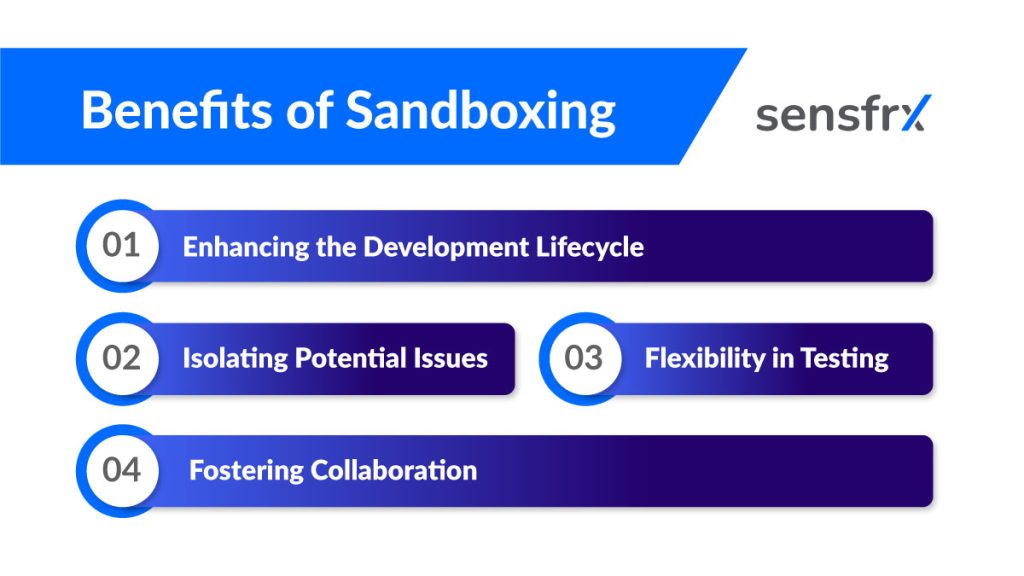
1. A faster release cycle. Bugs, performance problems and compatibility gaps surface before release instead of after, so less time goes to troubleshooting in production.
2. Contained failures. Whatever breaks in the sandbox stays in the sandbox. Developers can trace a fault without worrying about production data or other services.
3. Scenarios you cannot run live. Odd configurations, hostile inputs, failure injection: all possible in a sandbox, none advisable on the live system.
4. Shared ground for the team. One shared environment means a problem seen by one person is visible to everyone, and gets fixed sooner.
What a sandbox is
A sandbox isolates a program from the rest of the operating system. It is a container that limits what the program can reach: files, network connections, other processes.
It does that by restricting access to outside resources and blocking certain operations. The program runs normally inside; nothing it does escapes. That makes a sandbox the right place to run an untrusted or unknown application before giving it access to a company network or a personal device.
Sandbox testing as isolated application testing
Rather than change production, developers build a separate sandbox and try configurations, settings and code changes there.
Isolating the tests gives you three things:
1. A safe place to try new features. Updates get tested before integration, which cuts the unexpected errors that turn into downtime.
2. Vulnerabilities found early. Run simulated attacks against the code in the sandbox. No real data or users are at risk, so you can fix flaws before release.
3. Faster fault-finding. With outside factors removed, a problem is easier to pin down, and nothing else in the organisation stops while you do it.
Teams working side by side
Several teams can each hold their own sandboxed copy of the application and share progress as they go, which removes conflicts between code changes and shortens development cycles.
Four practices make sandbox testing pay off:
- Set clear goals before a test starts, so you know what a pass looks like.
- Make the simulation realistic with real data sets and the scenarios production will throw at the application.
- Secure the sandbox itself, isolated from outside threats, since it will hold sensitive data.
- Watch and adjust. Check performance in the sandbox on a schedule, gather feedback, and change what the results tell you to change.
What sandboxing does for development and security
Developers and security teams both use a sandbox to find problems and prove behaviour without risking the live system.
- An isolated test environment. Updates, new features and security checks run apart from production, so nothing in testing touches stability or performance.
- Finding issues early. Real-world scenarios run in the sandbox turn up bugs, bottlenecks and compatibility problems while they are cheap to fix.
- Proving functionality. The same change can be tested across configurations, operating systems and user scenarios under production-like conditions.
- Security testing. Suspicious files, applications or traffic get executed inside the sandbox so analysts can watch for malware and assess the threat without exposing production.
Types of sandbox
Sandboxes come in three forms: manual, automatic and hybrid.
- Manual. A developer builds the environment by hand: virtual machines, containers or isolated hosts set up to test code apart from the main system. Full control and faithful reproduction of real conditions, at the cost of setup time.
- Automatic. Same idea, with setup and maintenance automated through hypervisors or VM managers. Resets after each run and snapshots for restore happen without a human. The trade-off is less customisation, so the environment may not match the real one as closely.
- Hybrid. Manual control where it matters, automation for the repetitive parts. The right fit for complex test scenarios that need both.
Components of a sandbox environment
Four building blocks: virtual machines, emulators, system-level sandboxes and application-level sandboxes.
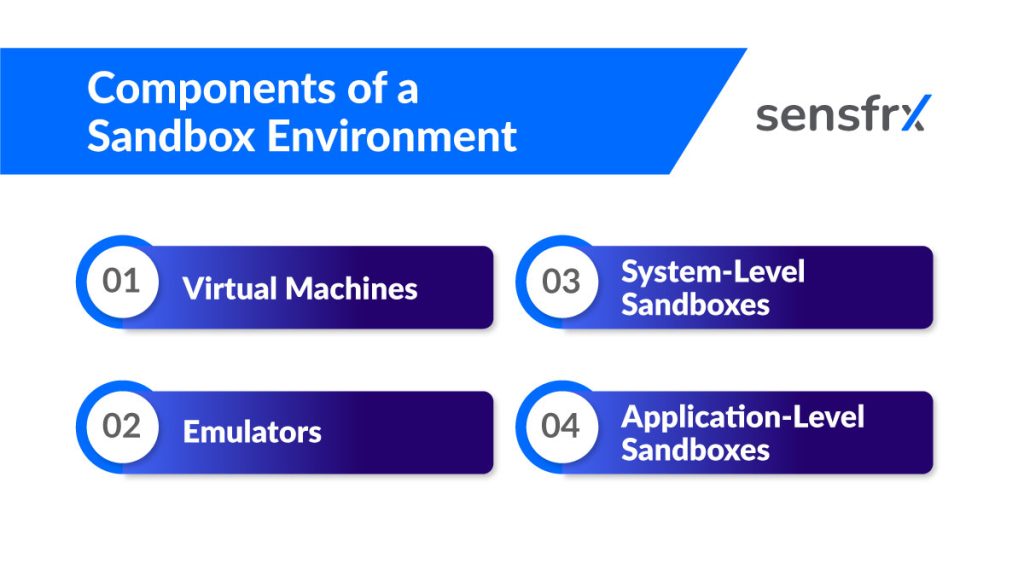
- Virtual machines run a complete guest operating system inside the host, so one physical machine can test code on Windows and Linux without separate hardware.
- Emulators imitate a device rather than an operating system: touchscreens, sensors, screen size, memory limits, battery state. They let mobile apps be tested under device conditions without the device.
- System-level sandboxes sit at the operating system level and keep an application away from the registry, system files and other processes. The application gets only the resources it needs, which limits the damage from malicious or badly written code.
- Application-level sandboxes do the same per application: each one is isolated from the others and from sensitive data and system functions, so an infected app cannot reach the rest of the system.
Analysis methods inside a sandbox
Three methods, usually combined: static analysis, dynamic (runtime) analysis and memory dump analysis.
- Static analysis reads the code or binary without running it, and finds issues such as buffer overflows and unsafe input handling from structure, syntax and logic.
- Dynamic analysis runs the application in the controlled environment and watches what it does: which scenarios trigger what, and how it interacts with its surroundings at runtime.
- Memory dump analysis captures the application's state mid-execution, which is how you catch bugs that appear only under particular runtime conditions or intermittently.
Tuning a sandbox for a specific investigation
Three groups of settings: the environment, the behaviour you monitor, and the reporting.
- Environment settings. Operating system version, hardware profile, browser, network connectivity. Set them to match the conditions the threat targets, or the sample may not run.
- Behavioural monitoring. Processes, file system changes, registry writes, network connections, API calls. Pick what to watch closely for the question at hand: trace network traffic, log API calls, or block an action to see how the sample reacts.
- Reporting. The record of what the sample did inside the sandbox: its tactics, techniques and procedures (TTPs). That record drives mitigation, detection rules and incident response.
Best practices for sandbox use
Sandboxing works when the sandbox resembles the system it stands in for and when people use it. Most failures trace back to one of those two.
The practices that matter
Eleven of them:
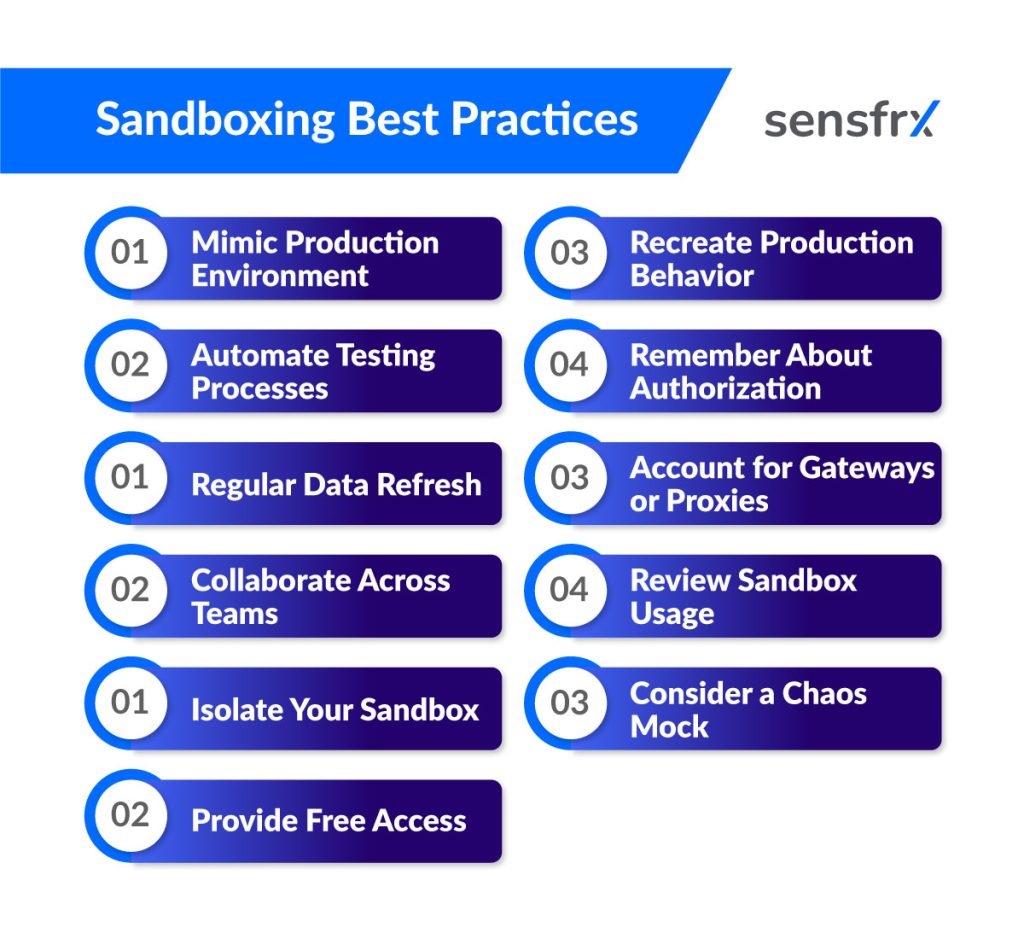
- Mirror production. The closer the sandbox matches the live environment, the more its results mean.
- Automate the tests. Scripts and tools cut human error and keep runs consistent.
- Refresh the data. Reload the sandbox with current production data on a schedule so tests reflect what users do now.
- Work across teams. Development, testing and operations each see different failure modes.
- Keep it isolated. An API sandbox must be separated from production so tests cannot touch live systems or real data.
- Open it to developers. Free access to the sandbox lowers the barrier to testing, and more testing is the point.
- Recreate production behaviour, not just its configuration, so results do not need retesting live.
- Include authentication. Put the same auth methods production uses into the sandbox; it is a common developer pain point and a common gap in testing.
- Account for gateways and proxies. They change how integrations behave, so sandbox limits and settings should reflect them.
- Review usage. Look at how the sandbox gets used and which errors recur, and improve both the environment and the process from that.
- Consider a chaos mock. In high-stakes integrations, a mock that behaves unpredictably tests whether your system survives an API that does not play fair.
Challenges and limits of cybersecurity sandboxing
Sandboxing costs resources and does not catch everything. Seven problems come up in practice.
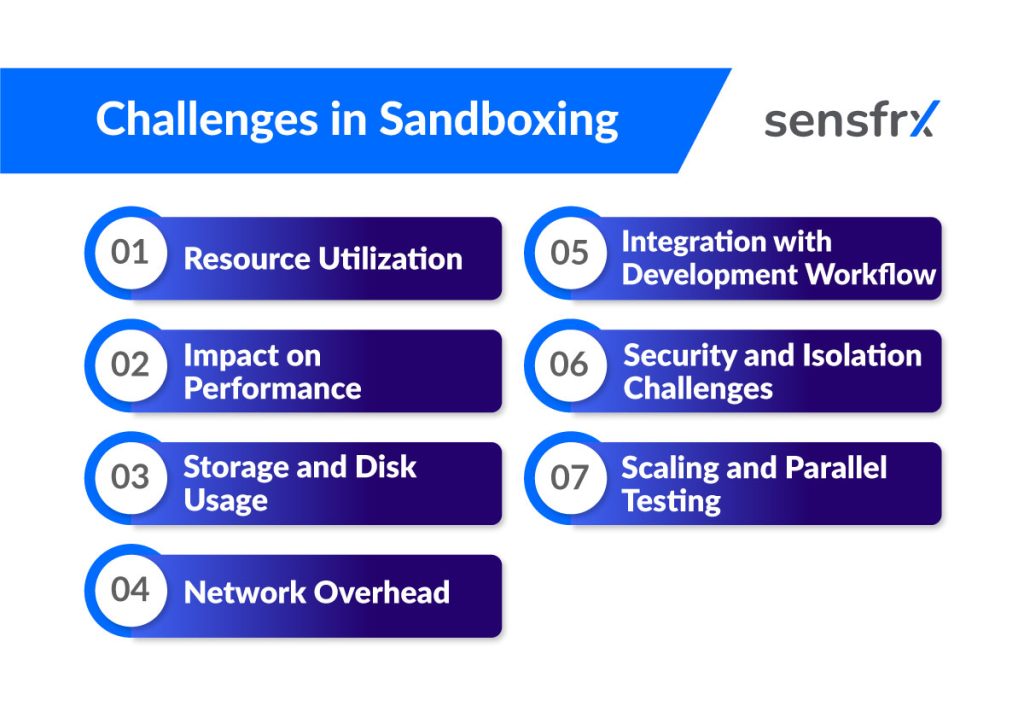
- Resource use. Isolated environments need their own CPU, memory and storage, and the overhead grows with the depth of isolation.
- Performance. Virtualisation and emulation slow both the application under test and the host.
- Disk usage. Copies of data and virtual disks pile up. Clean them up or storage bloat becomes its own performance problem.
- Network overhead. Simulated or isolated network traffic adds latency, which hurts anything that depends on real-time or high-bandwidth communication.
- Workflow fit. If the sandbox adds delays or manual steps, it slows releases and people route around it.
- Isolation versus integration. Strict isolation complicates testing of how components talk to each other and to outside systems. Secure channels and data integrity add more overhead.
- Scale. Testing many components at once, or running automated tests in parallel, strains resources unless the sandbox fleet is managed.
Zero-day threats: Where sandboxing falls short and what helps
A zero-day exploits a vulnerability nobody has patched yet. Sandboxes struggle with them for four reasons.
- Signature dependence. A sandbox that matches known signatures has nothing to match against a new threat.
- Behaviour that does not trip alarms. Behaviour-based detection misses malware whose actions are not yet recognised as malicious.
- Evasion. Mature malware checks for sandbox artefacts (registry keys, files, virtualisation markers) and behaves itself until it is sure it is on a real machine.
- Time. A zero-day's value is in the window before the patch. Analysis that takes hours can miss it.
What closes the gap
- Evasion detection. Sandboxes that spot sandbox-aware behaviour and hide their own artefacts get further with evasive samples.
- Machine learning. Models trained on behaviour rather than signatures flag activity that deviates from normal, including activity nobody has seen before.
- Better dynamic analysis. Environments that look more like the real thing, with live data feeds and threat intelligence attached, run more samples to completion.
- Context from other tools. Endpoint detection and response (EDR) data and network traffic analysis let you correlate several indicators of compromise (IOCs) instead of judging a sample alone.
- Behavioural profiles. Knowing what an application or a user normally does makes the abnormal stand out.
- Threat intelligence feeds. Keep the sandbox current with emerging threats and zero-day reports so defences adjust before the attack arrives.
False positives and false negatives in sandbox analysis
A sandbox verdict can be wrong in two directions: it can call a clean file malicious (false positive) or miss real malware (false negative).
False positives
A clean file flagged as malicious costs analyst time and can disrupt normal operations. Three causes dominate:
- Misread behaviour. Legitimate software that reads sensitive files or makes unusual network requests looks like malware doing the same.
- Thresholds set too tight. Minor deviations trigger alerts with no regard for context or intent.
- Stale or incomplete signatures. Out-of-date threat intelligence labels harmless files as threats because of similar code structure or file attributes.
False negatives
Malware that passes the sandbox gets a clean bill and a path into the network. Three causes:
- Evasion. The sample checks for sandbox artefacts, changes behaviour when it finds them, or waits out the analysis window.
- Zero-days. No signature and no known pattern to match.
- Analysis cut short. Short runs or shallow instrumentation miss multi-stage malware and return a false all-clear.
Tools for cybersecurity sandboxing
Four categories of tool do the work:
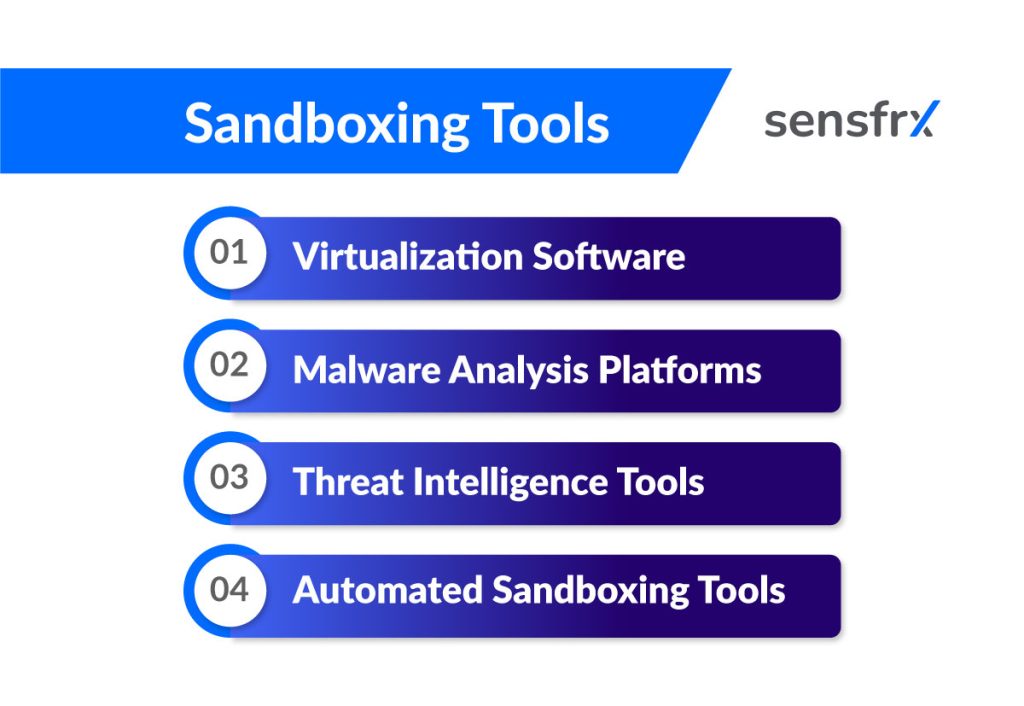
- Virtualisation software such as VMware or VirtualBox provides the isolated environments. Suspicious files run inside a VM, apart from the host.
- Malware analysis platforms such as Cuckoo Sandbox and FireEye instrument the sandbox: network traffic, system calls, file changes, with reports you can act on.
- Threat intelligence tools such as VirusTotal or MineMeld connect the sandbox to what the rest of the world already knows, and alert when a known threat shows up in your sample.
- Automated sandboxing monitors and analyses suspicious files without a human in the loop, which is the only way to keep up with the volume.
Connecting the sandbox to the rest of the stack
A sandbox on its own produces verdicts. Wired into the other security tools, it produces detections, blocks and better rules, because what the sample did inside the box informs every control outside it.
Sandbox data in SOAR tools
Feed sandbox results into a Security Orchestration, Automation and Response (SOAR) platform and the response runs itself. When the sandbox confirms a threat, the SOAR playbook quarantines the affected systems, alerts the team and updates the threat intelligence store. The exposure window shrinks because nobody is waiting on a ticket.
Where Sensfrx fits
Sensfrx is not a malware sandbox. It is real-time fraud prevention: it scores every signup, login and payment from device, network and behaviour signals, and your rules turn that score into allow, review or block. The overlap with sandboxing is the principle, not the product; both watch what something does before trusting it. If the threat you face is fraud at the account and payment layer rather than malware on endpoints, start with account takeover protection and bot attack prevention.
Where to start
What sandbox testing gives you
An isolated environment that mirrors production lets you test code, applications and suspicious files without betting the live system. In short:
- Security: vulnerabilities and malware found before they reach production.
- Quality: software proven in a controlled setting before release.
- Risk: production kept away from untested code and unknown files.
First steps
Pick one: the next release, or the next suspicious attachment. Run it through a sandbox that mirrors production, write down what the sandbox missed, and fix that gap before you widen the rollout.
- Make the sandbox the default route for every release and every unknown file, not an occasional extra.
- Review what the sandbox got wrong each quarter, in both directions, and tune the environment and thresholds from that list.
The five practices to keep
If you keep nothing else from the list above:
- Mirror production.
- Automate the tests.
- Refresh the data.
- Keep the sandbox isolated.
- Get development, testing and operations in the same room.
What is changing
Four shifts are already under way:
- Machine learning for detection and prediction, especially against evasive samples.
- SOAR integration so a verdict triggers a response without a human relay.
- Chaos engineering inside the sandbox to test how systems survive unpredictable behaviour.
- More automation to run and manage larger sandbox fleets.
Frequently asked questions
What is sandboxing in cybersecurity?
Running code or a file in an isolated environment to observe its behaviour without affecting the rest of the system. It catches malware before it reaches production.
Why does sandboxing matter?
It lets you detect and neutralise a threat in a controlled space, and it gives developers a place to test without risking live systems. Both improve what ships.
How does sandboxing fit a wider security strategy?
It supplies the behavioural evidence. Connected to EDR, threat intelligence and SOAR tools, a sandbox verdict becomes a block, a rule or an automated response instead of a report.
What does automation do in sandbox testing?
It removes the manual steps: repetitive runs, resets, snapshots and basic vulnerability checks happen on their own, so tests run more often and more consistently.
Why keep sandbox environments updated?
A sandbox that drifts from production tests the wrong thing. Current data and configuration keep its results relevant.
Does Sensfrx do sandboxing?
No. Sensfrx is real-time fraud prevention for signups, logins and payments. It shares the sandbox principle of judging behaviour before granting trust, but it is a different tool for a different threat.