Social media fraud prevention for businesses
Six types of social media fraud that target businesses, four signs your brand is being impersonated, a six-step incident plan and six tools compared.
 By 7 mins readPublished Updated
On this page
In October 2024, 5.52 billion people, 67.5% of the world, were online, and 5.22 billion of them used social media. Those are your customers. They are also the audience a scammer reaches the moment they borrow your brand name.
The US cybercrime numbers show the scale: reported incidents, online fraud included, rose from around 467,000 in 2019 to more than 880,000 in 2023.
Below: what social media fraud looks like for a business, how to spot it, and what a prevention plan contains.
What social media fraud is
Social media fraud is a scammer using a social platform to trick people out of money, personal data or account access. The usual tools are fake profiles, fake offers and phishing links.
Six common types
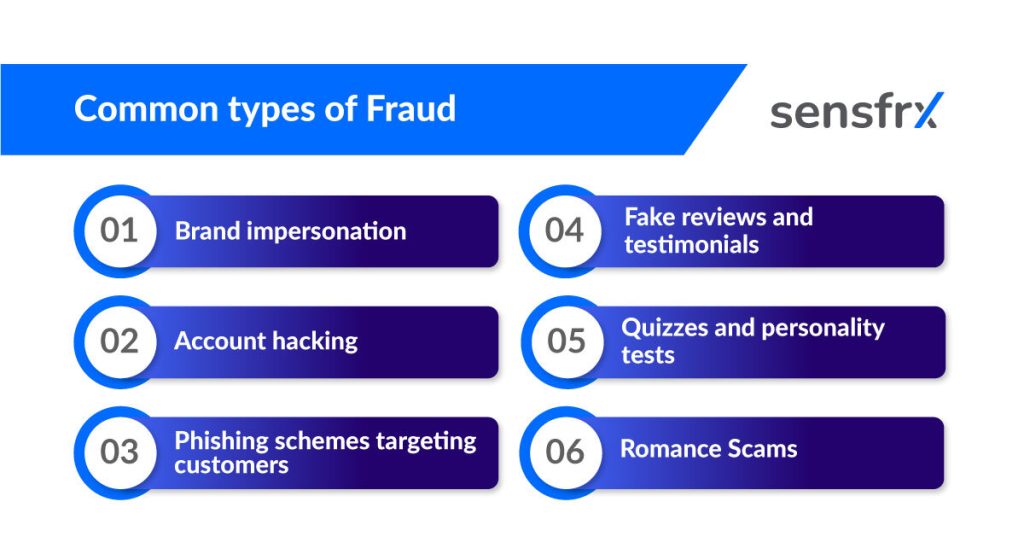
1. Brand impersonation
Scammers copy a brand's ads, emails, WhatsApp messages or posts and attach a deal that is too good to be true. Buyers pay for fake or non-existent products. Some go further and message the brand's own customers as a "representative" until the customer hands over card details or a login code.
2. Account hacking
A hijacked account is worth more than a fake one because its contacts already trust it. Attackers use it to push malicious links that harvest more credentials, ask followers for money as the account owner, or post content that damages the brand and its audience.
3. Phishing aimed at your customers
Fake messages, emails or login pages pose as a trusted platform and ask for a password or card number. The hook is urgency: "Your account will be deactivated unless you verify your login now." A 2024 Egress study on phishing trends found that 94% of businesses had been phished and 96% of those were harmed by it.
4. Fake reviews and testimonials
Fake profiles leave five-star ratings to make a product look good. Customers who trust the ratings buy goods that are poor quality or not what was described. G2 has a guide to spotting fake reviews; the habit to teach customers is to check the seller before they pay, not after.
5. Quizzes and personality tests
Quizzes spread because they are fun. Some are built to collect personal details or login credentials, which the scammer then uses to get into accounts. Around 80 million people take personality tests each year, which is why the format is so useful to a scammer.
6. Romance scams
In 2023 the Federal Trade Commission logged more than 64,000 romance scam reports and $1.14 billion in losses. Contact starts on a dating app, by text, by email or on social media, and the money request comes later, often dressed as an investment. An online friend who asks for money or pushes a specific product should be treated as a scam until proven otherwise.
Four signs your brand is being used in a scam
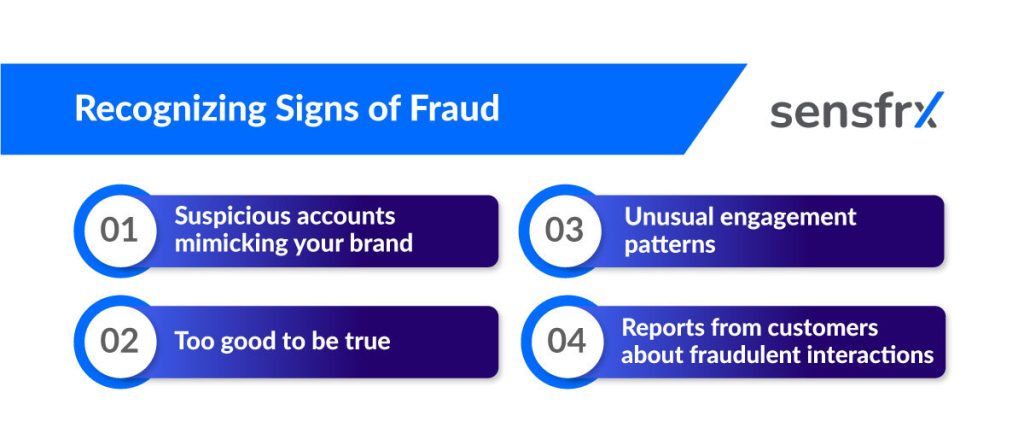
1. Accounts that mimic your brand
Look-alike accounts use your logo and a near-identical handle, then message customers for payments or personal data. Tell customers how to check: the exact URL, the padlock, the spelling and grammar, and a website checker when in doubt.
2. Offers that are too good to be true
Easy money, high returns and "limited-time opportunities" attached to your name. If it looks too good, it is a scam, and your customers need to hear that from you before they hear from the scammer.
3. Engagement that changes for no reason
A spike in negative comments, a run of complaints about an offer you never ran, or unusual traffic to your website often means a scam is running under your name.
4. Customers reporting contact you never made
When a customer says "your representative messaged me" or "I got this email from you" and you did not send it, treat it as an incident and find the source.
Protective measures for businesses
Account security
Most account hacking starts with a weak or reused password and no second factor. Three controls close most of it:
- A password policy for business and customer accounts: a mix of upper and lower case, numbers and symbols.
- Multi-factor authentication on every account that can post or pay. A code sent to email or phone is hard to get past with a stolen password alone.
- Regular security audits, so you find the gaps before someone else does.
Privacy settings
Review the privacy and security settings on every business social account and limit page management to the people who need it. Fewer admins means fewer accounts to phish.
Cautious sharing
Keep operational detail off public channels: financial updates, employee contact details, upcoming projects, and real-time posts about where staff are. Each one is raw material for a convincing impersonation or a targeted attack.
Tell customers not to install software from links posted on social media; that is a common route for malware.
Monitoring and reporting fraud
Watch your social presence for fake accounts using your brand, posts you did not make and logins you do not recognise. Automate the search where you can.
Write the incident plan before you need it. It should say who does what when a scam is found or suspected.
The plan covers six steps.
Identify. Train staff to recognise fake accounts, phishing attempts and unauthorised transactions, and to collect evidence: screenshots, transaction logs, suspicious URLs.
Report to the platform. Use the platform's own tools to report fake profiles, phishing messages and impersonating posts, such as Facebook Business Support or Instagram's report tool.
Bring in security. Have your IT or security team investigate and block the domains, accounts and IPs involved, and turn on two-factor authentication and IP whitelisting where they are missing.
Warn affected customers and partners. Tell anyone who may have been targeted what the scam looks like, how to secure their account, and not to share details with anyone claiming to be you.
Report to the authorities. For large-scale fraud, file with the cybercrime authority in your country, such as the FTC in the US or your national CERT, and work with law enforcement where legal action is possible.
Fix what let it happen. Review each incident and update detection rules, staff training, response steps and customer warnings.
Tools for social media fraud prevention
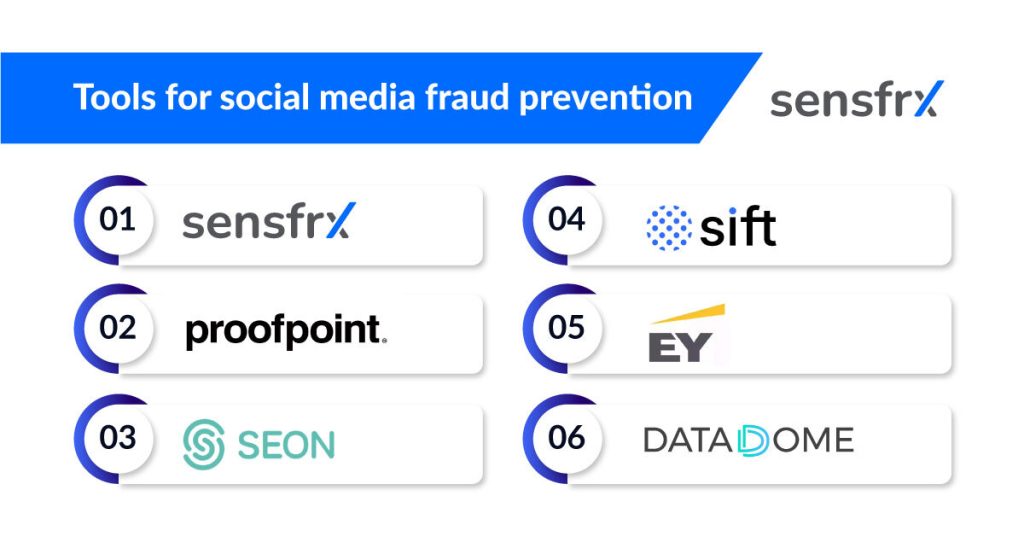
1. Sensfrx
Sensfrx does not watch social platforms. It protects the place a scam sends people: your signup, login and checkout. Every event is scored in real time from device, network and behaviour signals, and your rules turn the score into allow, review or block, so hijacked accounts, fake registrations, bots and fraudulent orders are stopped while real customers pass. Plugins cover WooCommerce, Shopify, WHMCS, Blesta and WISECP, with REST APIs for everything else.
2. Proofpoint social Discover
Proofpoint Social Discover finds phishing, impersonation and unauthorised use of your brand on social platforms and gives you a view of the accounts involved.
3. SEON
SEON detects suspicious user behaviour such as unusual transactions and fake accounts, with machine learning and risk scoring you can tune to block threats in real time.
4. Sift
Sift analyses user behaviour and transaction data to cut chargebacks, stop account takeovers and keep customer interactions clean.
5. EY forensics services
EY Forensics Services helps organisations detect, investigate and respond to fraud and misconduct, with risk assessment and data analysis for regulatory work.
6. DataDome
DataDome blocks automated traffic such as credential stuffing and fake registrations in real time while letting real users through.
Training employees and customers
Show staff and customers real examples: a fake email, a suspicious link, an offer that is too good to be true. Give them two rules: do not share personal details with an account you have not verified, and use a strong password on every account. People who know what to look for report scams instead of falling for them, and that is the cheapest control you have.
Where to start
Start with the controls you own: MFA on every business account, a written incident plan and a regular search for look-alike accounts. Then protect the place scams send people, your own signup, login and checkout. The Sensfrx free trial scores those events from day one, with no sales call needed.