IP whitelisting: How it works, where it fails, and what to use instead
What IP whitelisting (allowlisting) does, how to set it up, where dynamic IPs and remote users break it, and when MFA, RBAC, a VPN or risk scoring fits better.
 By 7 mins readPublished Updated
On this page
- What IP whitelisting is
- How IP whitelisting works
- Benefits of IP whitelisting
- Implementing IP whitelisting
- Alternatives to IP whitelisting
- IP whitelisting compared with other controls
- Where IP whitelisting breaks down
- Practical use cases
- A breach that tighter access control would have limited
- Current trends in cybersecurity
- Where to start
IP whitelisting, now usually called allowlisting, flips the default: instead of blocking known-bad addresses, you refuse everything except a short list of trusted ones. It is the right control for an admin panel, a database port or a partner API, and the wrong one for anything your customers log into from home.
What IP whitelisting is
An IP whitelist is a list of addresses allowed to reach a network, server, application or endpoint; every other source is refused. Typical placements: office networks, admin portals, mail servers, bank and payment back ends, and cloud consoles.
IP address: every device on the internet or a private network has a numeric address that other devices use to reach it.
Two formats are in use:
IPv4: a 32-bit address written as four numbers separated by periods (for example 192.168.0.1).
IPv6: a 128-bit address written as eight groups of hexadecimal digits separated by colons (for example 2001:0db8:85a3:0000:0000:8a2e:0370:7334).
How IP whitelisting works
It works like a badge reader on an office door: the reader holds the list of badges that open it, and everything else stays shut. The administrator writes the allowed addresses or ranges into the firewall, load balancer, cloud security group or application config, and the resource answers only to those.
The security comes from exposure. A service that only three addresses can reach cannot be scanned, brute-forced or stuffed from anywhere else.
Static versus dynamic addresses decide whether it is workable. A static address stays put and belongs on a list. A home broadband or mobile address changes without notice, which is why remote users need a VPN with a fixed egress address, or a different control such as MFA, rather than a whitelist entry.
Benefits of IP whitelisting
What you get when the addresses are stable:
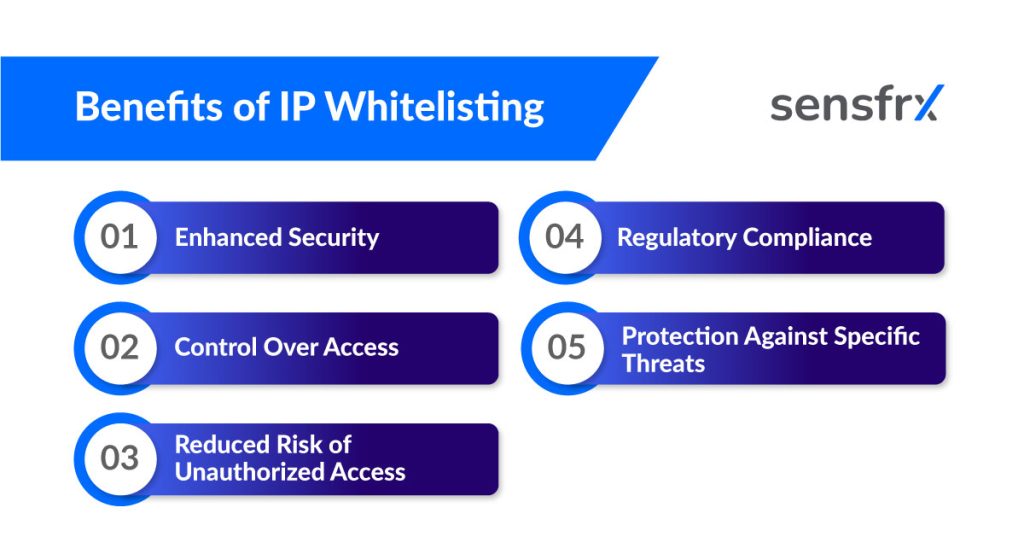
- A smaller attack surface. Only listed sources can connect, so unknown scanners and bots never reach the login.
- Explicit control. The administrator decides who gets in, and the list is the audit trail.
- Fewer unauthorised logins. A stolen password is useless from an address that is not on the list.
- Compliance evidence. Many standards ask for network-level access restriction on sensitive systems, and a maintained allowlist satisfies that line item.
- Protection against specific attacks. Unauthorised logins and DDoS traffic from unlisted sources are refused before they reach the application.
Implementing IP whitelisting
The screens differ by operating system, cloud provider and application, but the steps are the same:
- List the trusted addresses. Collect the static addresses or ranges that need access, and who owns each one.
- Open the security settings. Log in to the firewall, hosting panel, cloud console or application admin.
- Find the allowlist or IP restriction section. On cloud platforms this is usually a security group or network ACL.
- Add the addresses and test. Enter each address or CIDR range, save, then confirm access works from a listed address and fails from an unlisted one.
Best practices for IP whitelisting
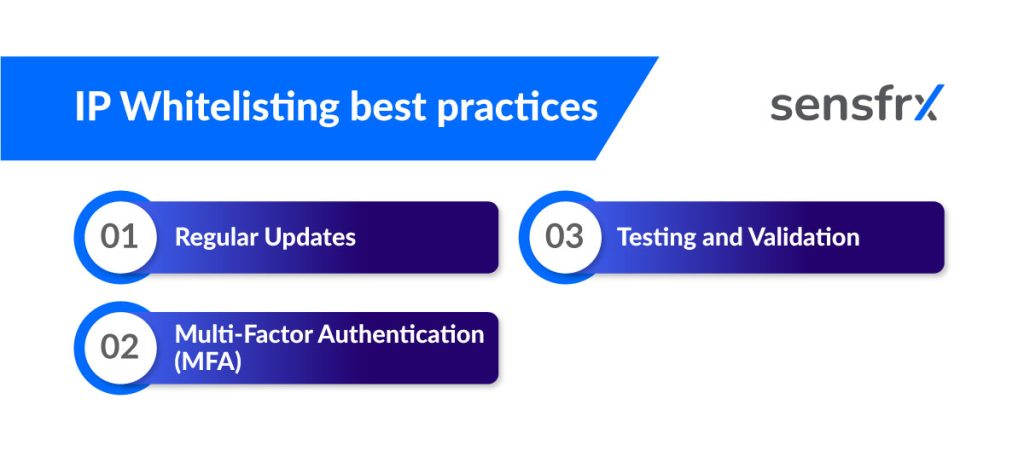
- Review the list on a schedule. Remove addresses for people and systems that no longer need access, and record who owns each entry.
- Pair it with MFA. An allowlist checks where a request comes from, not who sent it. MFA answers the second question.
- Test it. Validate the rules after every change and include them in penetration tests. A rule that allows 0.0.0.0/0 by mistake is a common finding.
Alternatives to IP whitelisting
When addresses are not stable, or when you need to know who rather than where, two controls do the job better.
1. Multi-factor authentication (MFA). The user proves identity with two or more factors before getting access.
Example: a user enters a username and password, then a code sent to their phone or generated by an app. The login succeeds only with both, from any address.
2. Role-based access control (RBAC). Access follows the user's role, not their location. Each role carries a defined set of permissions, and anyone outside those roles is refused. It scales to organisations with thousands of staff where a per-person list would not.
Example: software engineers get access to the GitHub repository; other departments do not.
IP whitelisting compared with other controls
Two comparisons that come up most often.
IP whitelisting vs. VPNs
If your users have dynamic addresses, or the list changes weekly, maintaining a whitelist becomes a full-time job. A VPN fixes that: users connect to it from anywhere, and all their traffic leaves from the VPN's fixed address, which is the one address you whitelist.
IP whitelisting vs. Firewall configurations
A whitelist is one rule type: allow these sources, deny the rest. A firewall holds the full rule set, allowing or blocking by address, region, port and protocol across all traffic.
Use a whitelist on internal systems and remote-access entry points; use the firewall for everything that reaches the network.
Where IP whitelisting breaks down
Two limitations decide where it fits.
1. Dynamic addresses. Every time a listed address changes, an administrator has to update the list, work out which entry belonged to whom, and remove the stale one.
That maintenance is the hidden cost. Someone has to watch the list, and a stale entry is either a locked-out user or an open door for whoever gets the old address next.
2. Remote users. Home and mobile connections change address, so remote staff get locked out and file tickets. For them a VPN with a fixed egress address is the better fit.
Practical use cases
Where a whitelist earns its maintenance cost:
Cloud services
Cloud providers let you restrict a database, storage bucket or virtual machine to listed addresses. Put the office and the bastion host on the list and the resource disappears from the public internet.
Remote work
Companies with remote staff route them through a VPN and whitelist its egress address, so internal tools accept connections from one place.
API access controls
A partner or server-to-server API accepts calls only from the partner's listed addresses. A leaked API key is then useless from anywhere else.
Email filtering
A mail server that relays only from listed addresses cannot be used by an outsider to send as your domain, which cuts the phishing attempts that spoof your brand.
A breach that tighter access control would have limited
Uber data breach (2016)
In 2016 attackers obtained credentials for Uber's development team GitHub account and used what they found there to reach customer data stored on AWS.
One cause cited was weak access control. Had the AWS resources accepted connections only from Uber's own network, stolen credentials used from outside it would have failed.
Current trends in cybersecurity
The trends Gartner lists for cybersecurity include:
- Cloud adoption keeps rising, so cloud security takes a larger share of the work.
- Risk management gets harder as threats change faster than controls do.
- Demand for security professionals outruns supply.
- AI is now mainstream on both sides: defenders use it for fraud detection and anomaly flagging; attackers use it for data poisoning and deepfakes.
Where IP whitelisting fits now
It remains the cheapest way to take a system off the public internet, and that is where to use it: admin surfaces, databases, internal tools, partner APIs. For customer-facing logins, where addresses are unknown and change daily, it does not work, and the control has to move to who is logging in and how, rather than from where.
Where to start
List the systems that only staff or partners should reach, and whitelist them this week. Pair each list with MFA and a quarterly review.
For the customer login, where a whitelist cannot apply, Sensfrx uses the IP as one signal among several:
- IP analysis: the address and its history are inputs to the risk score on every login and payment.
- Rules engine: your rules turn that score into allow, review or block.
- Behaviour analytics: the address is read alongside device and behaviour, so a new IP on a familiar device scores differently from a new IP on a new device.
Start a [free trial](/) and compare its scores against your current blocklist for a week.