A phishing attack aimed at cryptocurrency users. Fake emails, cloned sites or malicious ads trick the victim into revealing private keys, login credentials or wallet details, which the attacker then uses to drain the account.
Crypto phishing: How the attacks work and how to stop them
How crypto phishing steals private keys and logins, five scam types to recognise, how to spot a fake message or site, and what to do after a hit.
 By 18 mins readPublished Updated
On this page
- What crypto phishing is
- Five common crypto phishing scams
- How a crypto phishing attack works
- How to spot a crypto phishing scam
- Five habits that prevent crypto phishing
- Tools that help against crypto phishing
- What to do if you have been phished
- Where crypto phishing is heading
- Where Sensfrx fits
- What to do first
Crypto phishing steals the one thing that cannot be reset: a private key or seed phrase. A phished bank login can be frozen; a drained wallet stays drained. That is why phishers who once chased card numbers now impersonate exchanges, wallet apps and people in Telegram and Discord groups.
The goal is the same every time: get you, or your customer, to type credentials or a key into a page the attacker controls, or to sign a transaction the attacker wrote. Once funds move on-chain there is no chargeback and nobody to call. That finality is what makes crypto holders worth the effort.
What crypto phishing is
Crypto phishing is phishing aimed at people who hold or trade cryptocurrency. The lure is a fake email, site or message built to look like an exchange, a wallet provider or a known contact. The payload is whatever lets the attacker move funds: login credentials, a seed phrase, a private key or a signed wallet approval.
The mechanics overlap with ordinary account takeover. Preventing account takeovers with AI covers how those attacks are run; the same tricks are used on crypto holders.
The difference is what happens after. A stolen card gets cancelled and the charge reversed. A stolen key gets emptied, and the transfer cannot be undone.
A working definition
Crypto phishing is any attempt to trick a cryptocurrency user into handing over private keys, seed phrases, wallet addresses or login credentials through a message or site that imitates a trusted party. The channel can be email, a cloned website, a social media account or a link in a group chat. The outcome is the same: the attacker signs transactions as the victim.
How it differs from traditional phishing
Both steal credentials by deception. The difference is who gets targeted and where.
- Who: conventional phishing casts a wide net and hits anyone with an inbox. Crypto phishing goes after people known or likely to hold crypto: members of a trading group, users of a particular wallet app, anyone who has posted a wallet address.
- Where: conventional phishing arrives by email. Crypto phishers work the channels the community lives in, Telegram and Discord above all, where a fake support agent or an airdrop link looks normal.
For the techniques shared with card fraud, see Credit card frauds: how technology can prevent them.
Two incidents that keep getting cited
Two cases turn up in almost every write-up of exchange account takeover. A guide to account takeover in cryptocurrency covers the takeover techniques used against exchanges such as Bitfinex and in the Ethereum Classic incident.
- Bitfinex, 2016. Over $60 million in bitcoin was taken from the exchange's users. The version that circulates in phishing write-ups has attackers emailing users while posing as company representatives to collect login credentials.
- Ethereum Classic, January 2019. Coinbase recorded losses of over $1 million in Ethereum Classic tokens. Phishing write-ups attribute the incident to spear-phishing emails sent to employees.
Five common crypto phishing scams
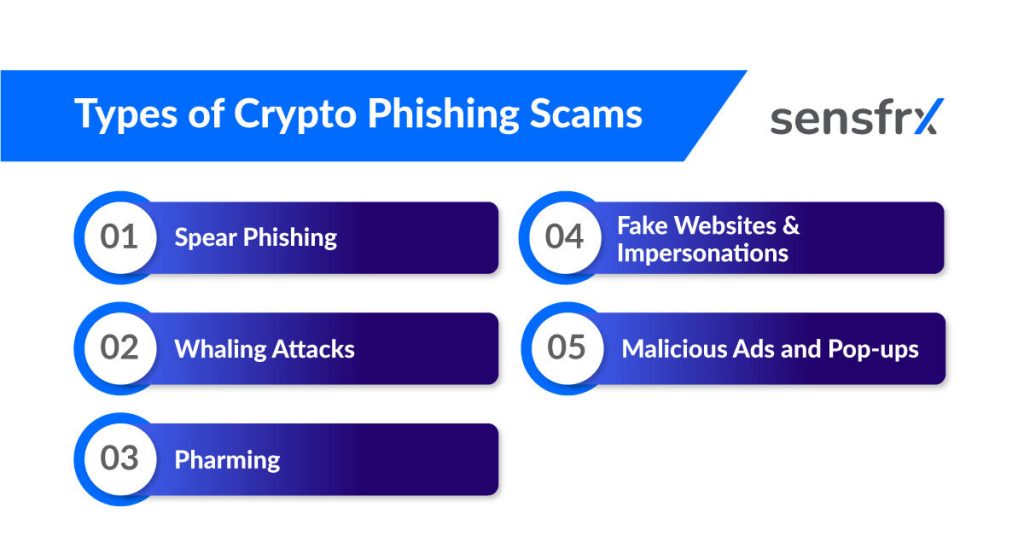
Most crypto phishing fits one of five patterns. They differ in who gets targeted and how the fake is delivered. The end goal, credentials or a signed transaction, is shared.
1. Spear phishing
Spear phishing targets a specific group: staff at one exchange, members of one trading community, users of one wallet. The attacker does the research first, pulling names, roles and habits from social media, forums and old breach dumps, so the message reads as if it came from someone who knows the target.
The message then arrives from a trusted-looking name and references something true about the recipient's job or holdings. The sending infrastructure behind these campaigns is the kind that ends up on blocklists; IP blacklisting: how it works explains how those lists are built and where they fall short.
2. Whaling
Whaling is spear phishing aimed at the top of the org chart: executives, founders, anyone who can approve a transfer or holds treasury keys. The messages are few, personalised and hard to tell from real correspondence.
The usual delivery is a spoofed email that appears to come from a board member, a lawyer or a counterparty, written to force a fast decision: a deal closing, a regulator asking, a payment that must go out today. Pressure replaces the second look.
3. Pharming
Pharming skips the lure. Instead of persuading the victim to click, the attacker tampers with DNS or the victim's machine so that typing the real address lands on a counterfeit site. The name blends "phishing" and "farming" because one poisoned resolver harvests many victims at once; it is sometimes called phishing without a lure.
The cloned sites copy exchange login pages, wallet web apps and bank portals closely enough that the only tell is the certificate or a mismatch in the address bar. Users type credentials into the copy and the attacker replays them against the real site.
4. Fake websites and impersonations
The commonest pattern is the lookalike site: a clone of an exchange or wallet front end on a domain one character away from the real one, fed by ads, search results and links in chat groups.
URL spoofing does the heavy lifting. "crypt0wallet.com" for "cryptowallet.com", a hyphen added, a different top-level domain. On a phone, where the address bar truncates, the swap is easy to miss.
5. Malicious ads and pop-ups
Phishers buy ads. A paid search result or a display ad on a legitimate site sends the click to a cloned exchange or wallet page; pop-ups and in-app messages do the same job on mobile.
The landing page asks for whatever it can get: login credentials, card details, or the seed phrase itself under the pretext of "restoring" or "verifying" a wallet. No legitimate wallet asks for a seed phrase on a web form.
How a crypto phishing attack works
Whether it is aimed at one treasurer or blasted to a million inboxes, the campaign starts with a message that pretends to come from a company the victim trusts. The closer the copy, logo and tone match the real thing, the better it converts.
The message carries a reason to act now: your account is suspended, a withdrawal is pending, a breach needs confirming. Urgency is the whole trick. It exists to stop the reader checking the sender or the link before complying.
Step by step
A typical attack runs in this order.
- Research. The attacker builds a target list from social media profiles, forum posts, group memberships and breach data, noting which exchange or wallet each target uses.
- Spoofing. The sender address, display name and template are forged to match that exchange or wallet, or a known contact.
- The lure. The message or ad links to a cloned login page or a fake support chat and gives a reason to act immediately.
- Harvest. The victim types credentials, a one-time code or a seed phrase into the fake, or signs a wallet approval the attacker drafted.
- Drain. The attacker logs in from their own device, moves funds to addresses they control and launders them before anyone notices.
The techniques: Fake emails and malicious links
Two techniques carry most campaigns.
- Fake emails. The attacker impersonates a bank, exchange or wallet provider and asks the recipient to confirm login details or personal information. Good copies reuse the real company's templates and footer text.
- Malicious links. Embedded in those emails, in social posts or on compromised sites, the link leads to a credential-harvesting page or a drive-by download. Shorteners and lookalike domains hide the destination.
Triggers and red flags
Two patterns should stop you before you click.
Unsolicited emails or messages
- Trigger: an unexpected email, DM or text claiming to be from an exchange, wallet service or other financial provider.
- Red flag: legitimate services rarely contact you first, and never to ask for a seed phrase, a password or an urgent action.
Urgent or threatening language
- Trigger: the message claims your account is suspended, flags unauthorised activity or reports a breach that needs action now.
- Red flag: fear is the lever. "Urgent", "immediate" and "last warning" are phishing vocabulary, not support vocabulary.
How to spot a crypto phishing scam
Phishing sites and messages are built to pass a glance. They fail a second look. The checks below take under a minute and catch most of them.
Signs of a suspicious email or message
Three things to check on any message that asks you to log in or move funds.
- The sender's address. Read the whole address, not the display name. Attackers register domains that differ from the real one by a letter or a top-level domain.
- Urgency plus a request for data. A real provider will not ask for a password, card number or private key by email, and will not threaten to close the account within the hour.
- The links. Hover before you click, or long-press on mobile. If the destination does not match the sender's real domain, it is a phish.
How to check a website or service is real
Before you type anything into a site:
- Check for HTTPS. The URL should start with "https". The "s" means traffic between your browser and the site is encrypted, which keeps it from being read in transit.
- Look for the padlock. Browsers show a padlock next to the address on sites with a valid certificate. Confirm it is there before entering data.
- Read the domain. Lookalike domains are the attacker's main tool. Compare the address character by character with the one you have bookmarked.
Misleading URLs and branding
Cloned sites copy the logo, colours and layout. The address bar is where they slip.
Look closely at the URL
- Swapped characters: "crypt0wallet.com" for "cryptowallet.com", a zero for an o, an l for an i.
- Added or missing characters: a hyphen or an extra letter slipped in, such as "crypto-wallet.com" for "cryptowallet.com", or a letter dropped.
Check for HTTPS and the padlock
- A real service uses HTTPS and shows a padlock. Treat any site without one as unsafe. The reverse does not hold: phishing sites get free certificates too, so a padlock proves the connection is encrypted, not that the site is honest.
Five habits that prevent crypto phishing
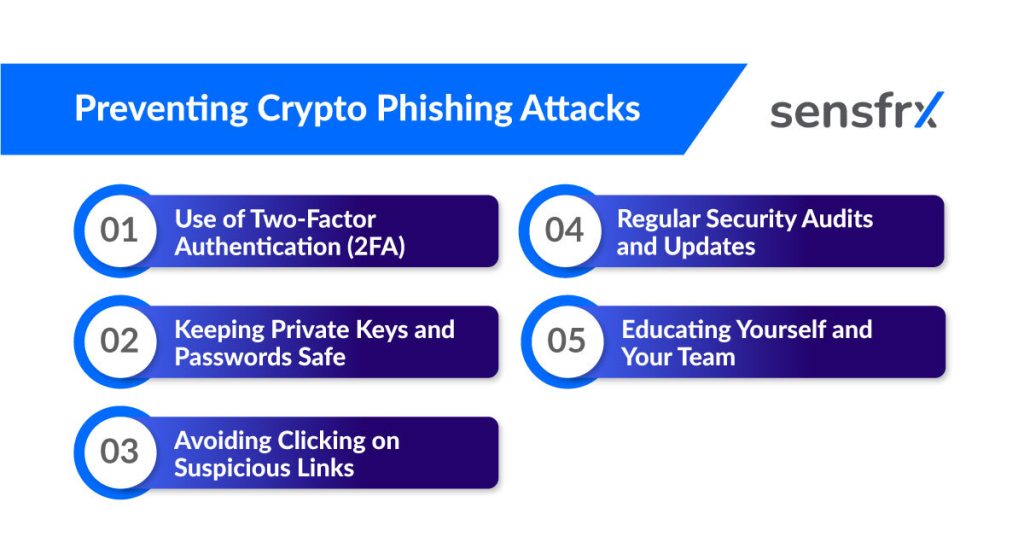
Five habits remove most of the risk. None of them needs a budget.
1. Use two-factor authentication (2FA)
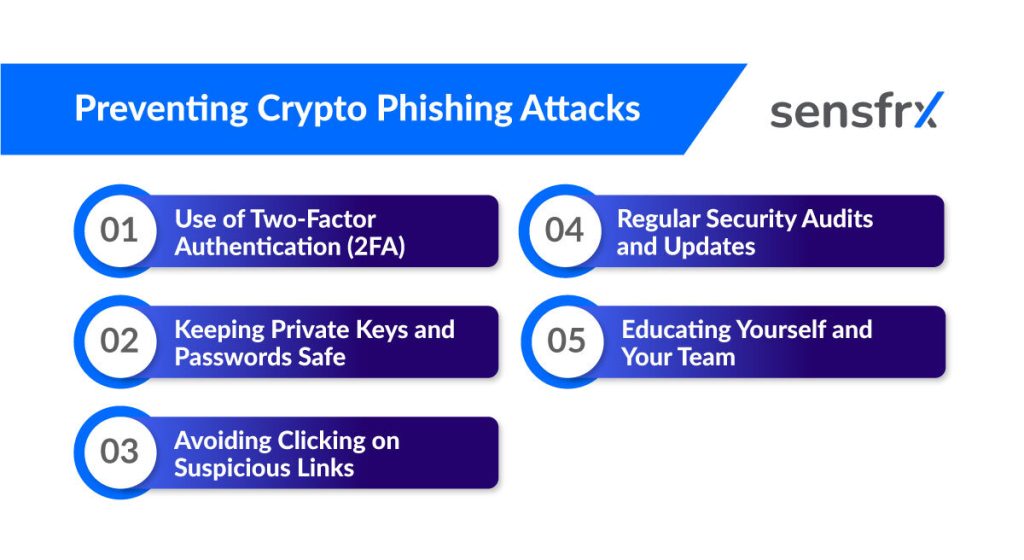
2FA asks for a second proof of identity, something you have or something you are, on top of the password. A phished password alone no longer opens the account.
Prefer an authenticator app or a hardware key over SMS codes, which can be intercepted or SIM-swapped. If you run an exchange or wallet service, make 2FA mandatory for withdrawals and for changes to email, phone or withdrawal addresses.
2. Keep private keys and passwords safe
Your private key and seed phrase are the wallet. Anyone holding them holds the funds, and no support desk can reverse a transfer signed with them.
Never type a seed phrase into a website, a chat window or a "verification" form. Store it offline. Use a different password for every exchange account, kept in a password manager, so one leaked login does not open the rest.
3. Do not click suspicious links
Most crypto phishing still succeeds through one click on one link. The link looks right because the attacker made it look right.
Learn what the fakes look like: a domain spelt slightly wrong, extra digits, a different ending, a shortener hiding the target. When in doubt, do not click. Type the exchange's address yourself or use a bookmark you saved earlier.
4. Audit and update on a schedule
Review the security of your accounts and devices on a schedule, not after an incident. Patched software closes the holes that malicious links and pop-ups exploit.
Start with an inventory: every device, browser, app and network used to reach a crypto account. For each one, check it is updated, 2FA is on, and old sessions and API keys are revoked. Fix the weakest item first.
5. Train yourself and your team
Phishing beats technical controls by going through people, so people need to know the current lures. Short, regular reminders work better than an annual course.
Cover the basics: what a spoofed email looks like, why nobody legitimate asks for a seed phrase, how to report a suspicious message internally, and what to do if someone has already clicked. Reward reports and do not punish mistakes, or the next one goes unreported.
Tools that help against crypto phishing
Four categories of tooling take load off the human checks above.
Anti-phishing software
Anti-phishing services hunt for phishing that targets your customers and staff across email, social media and lookalike domains. They find the fakes, request takedowns of domains and posts, and feed the indicators into blocklists so the same infrastructure cannot be reused.
The better services work at the domain level, catching a newly registered lookalike before the first campaign goes out rather than after the first victim reports it.
Browser extensions
Security extensions block known malicious URLs, store passwords and strip ads, which closes off the malicious-ad route.
The useful part is URL checking. The extension compares each link against databases of known phishing sites and warns before the page loads, which buys the pause a convincing clone is built to deny.
Secure wallets
A wallet stores, sends and receives cryptocurrency. Its security is set by where the private key lives.
Hardware wallets keep the key on a device that never touches the internet, so a phished password or a compromised browser cannot sign a transaction. Software, paper and web wallets trade some of that protection for convenience. Keep long-term holdings on hardware and only working balances online.
Email filtering
Email filters scan inbound mail for known phishing indicators before it reaches a mailbox.
They flag suspicious links and attachments, check sender authentication, and match content against keywords, file types and other markers linked to phishing. A filter will not catch a well-crafted spear-phish, but it removes the bulk campaigns that make up most of the volume.
What to do if you have been phished
Controls fail. If you suspect you have handed credentials or a key to a phisher, the next hour matters more than the next week.
The first hour
Do these in order, starting with whichever account the phisher touched.
- Change your passwords. Start with the exchange account, then the email address attached to it, then anything that shared a password. Make each one long, unique and stored in a password manager.
- Turn on 2FA everywhere. If 2FA was already on, check that the attacker has not added their own device or changed the recovery phone.
- Move what is left. If a seed phrase or private key was exposed, the wallet is burned. Create a new wallet and transfer the remaining balance before the attacker does.
Report it
Report the attack to the exchange or wallet provider and to the police or cybercrime unit in your country. The provider can freeze withdrawals or flag the destination address; the report creates the record you will need later.
Before posting about it anywhere, collect the evidence: transaction hashes, destination addresses, screenshots of the messages and the phishing page, sender addresses and timestamps. Posting publicly first attracts "recovery agents" who are the next wave of scammers.
Recovering lost funds
Recovery is hard and often fails. It is not hopeless, and the odds improve with speed.
File a police report and report the fraud to the exchange or wallet provider where the funds left. If the stolen coins land on a regulated exchange, that paper trail is what lets the exchange freeze them and what a court will ask for later.
Hardening after the attack
For a company, one successful phish means the next one is already being written. Treat the incident as a free test of your controls.
Run a proper investigation: how the message got through, who clicked, which control should have caught it and why it did not. Bring in outside help if the team lacks the skills. Then fix the gaps in order of damage, not in order of ease.
Where crypto phishing is heading
As more people hold crypto, more people are worth phishing. Attacks on login credentials and private keys are now a standing cost for exchanges, wallet providers and their users.
Detection stays hard because the lures change faster than the filters. Attackers rewrite tactics as soon as one stops working. The defender's advantage is that the end goal never changes: credentials typed into a page, a key disclosed, a transaction signed.
Two trends to watch
Two shifts stand out.
- AI-written phishing. Attackers use language models to write personalised, fluent messages at scale. The spelling mistakes that gave away older campaigns are gone, and one operator can tailor thousands of lures.
- QR code phishing ("quishing"). Malicious QR codes in emails, posters and stickers send the scanner's phone to a credential-harvesting page. The code hides the URL and moves the victim onto a smaller screen where lookalikes are harder to spot.
How attackers have changed
Phishers used to want logins and card numbers. As crypto grew in value, the targets moved: the same crews now go after exchange accounts and wallet keys, where the payout is larger and the transfer cannot be reversed.
Social engineering has replaced technical exploits as the main tool. Posing as a known contact, a support agent or a reputable project, the attacker talks the victim into sending funds or sharing details, with no malware involved.
Three defaults that keep working
Three defaults hold up whichever lure is in fashion.
- Keep software updated. Patched operating systems, browsers and wallet apps close the holes that drive-by links and malicious pop-ups rely on.
- Use strong, unique passwords. No birthdays, no dictionary words, no reuse between exchanges. A password manager makes this free.
- Treat every link as hostile until checked. Read the domain, hover before clicking, and prefer bookmarks or typed addresses for anything that holds funds.
Where Sensfrx fits
Training and email filters reduce how many credentials get stolen. They do not stop the ones that are. The stolen login still arrives at your platform, and that login is the last place to catch it.
Sensfrx scores every signup, login and payment in real time from device, network and behaviour signals. A phished credential used from a device the account has never seen, over a network it never uses, with behaviour that does not match the account's history, scores high. Your rules decide what happens next: allow, send to review, or block before the session starts.
That protects the customer who clicked the link as well as the one who did not, and it works the same for an exchange login, a wallet web app or a fintech checkout. Integration is a plugin or a REST call, and there is a free plan and a 14-day trial.
Start on the free plan, or contact us with questions about your setup.
What to do first
Turn on app-based 2FA for every exchange account today, and move long-term holdings to a hardware wallet. Those two steps defeat most of the attacks described above.
Then make the checks habitual: read the sender address, read the domain, never type a seed phrase into anything, and treat urgency as a red flag.
If you run the platform rather than use it, add login scoring so a phished credential is caught at the point it is used. Attackers will keep changing the lure; the login is the one step they cannot skip.